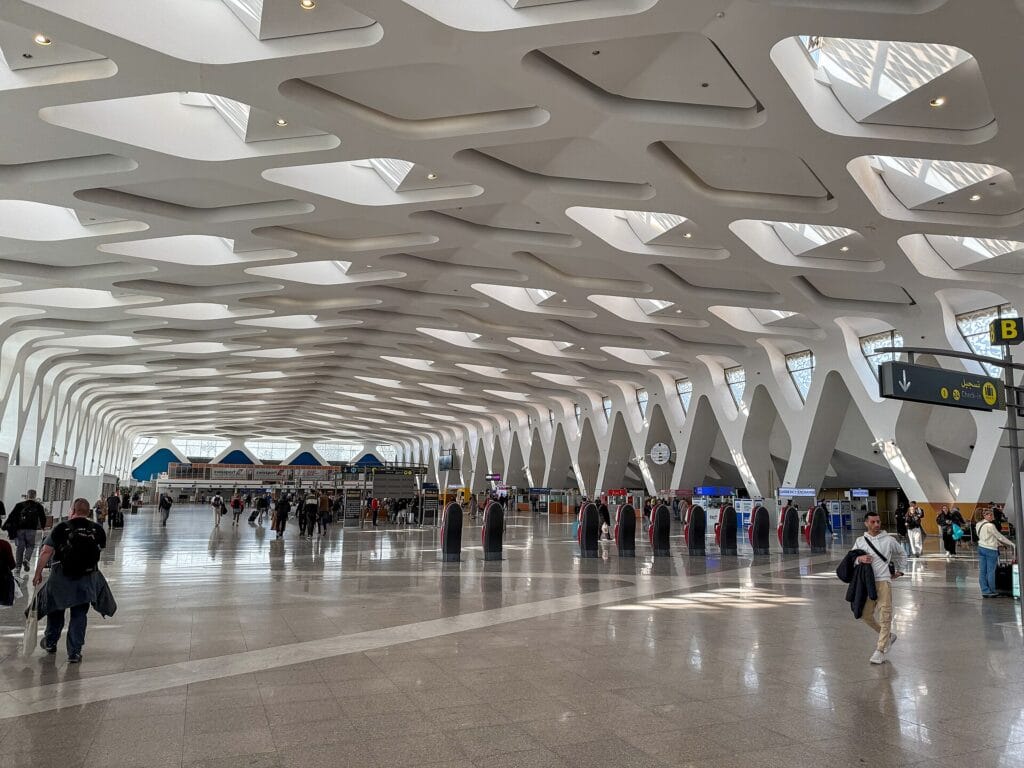
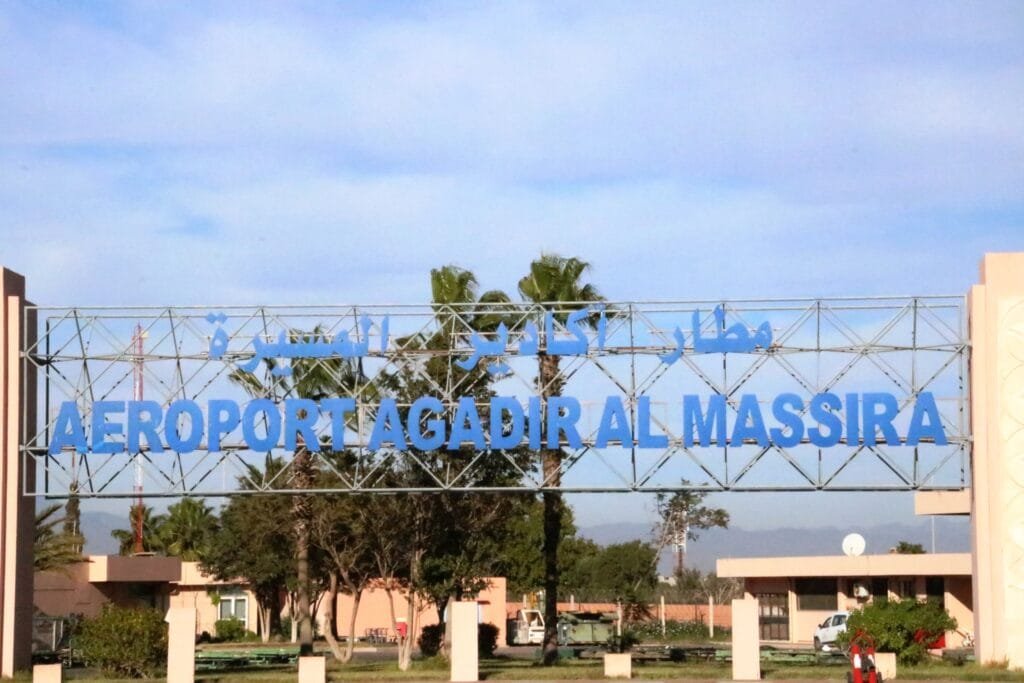
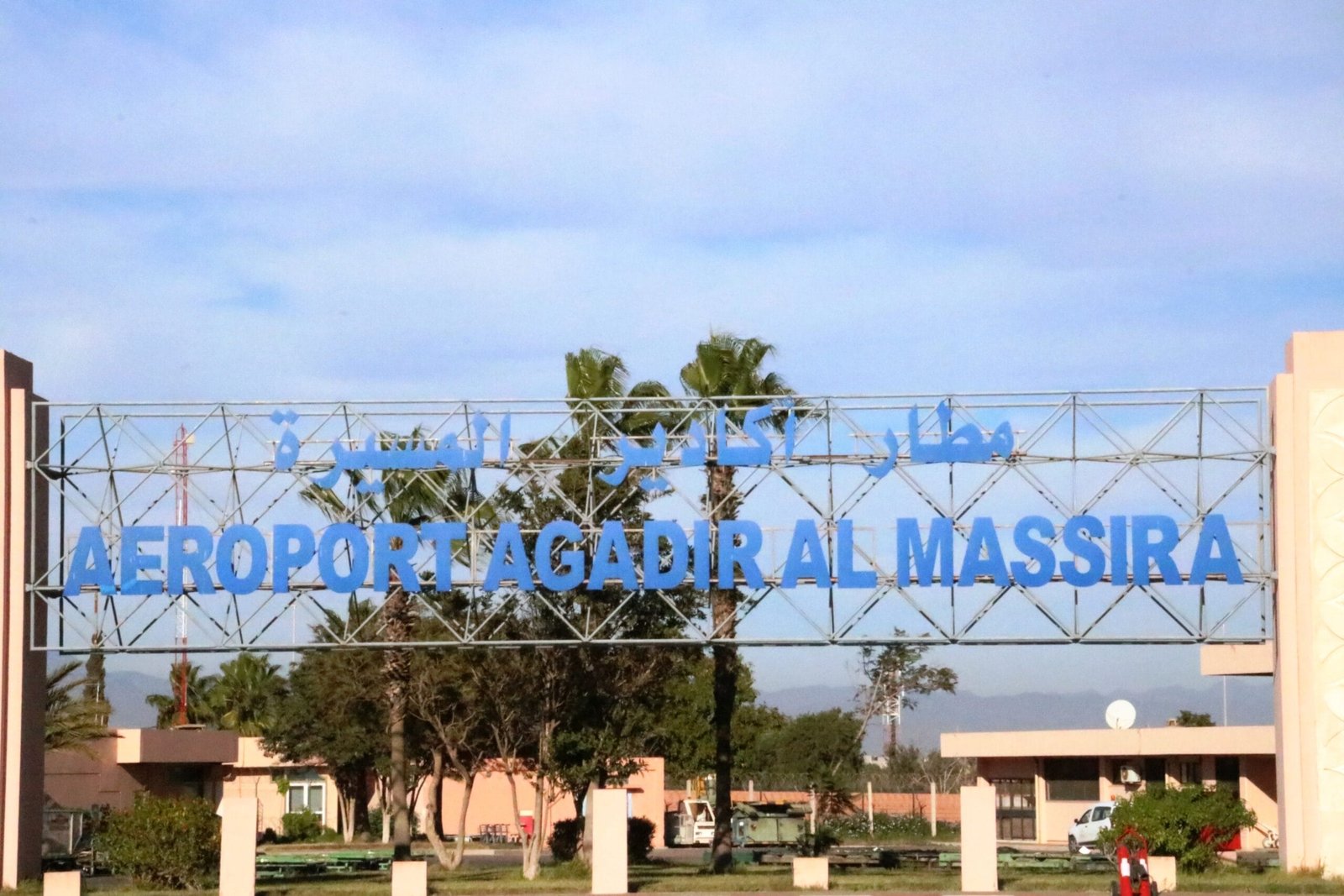
Landing in Agadir soon and wondering whether you’ll be able to pick up your rental car, let your family know you’ve arrived or book a taxi the moment you step off the plane? Good news: Agadir airport WiFi exists, it’s free and it covers the entire terminal at Al Massira Airport (IATA code AGA). In practice, you find the “WIFI-aéroport-Agadir” network, accept the terms of use, enter an email address, and you’re connected for a browsing session. That’s more than enough to send a message, check a map or confirm a booking.
That said, an airport WiFi network heavily used by European charter flights has its limits: short session times, throughput that varies with the crowd, and possible drop-outs at peak hours. In this independent guide, we walk you step by step through how to connect to the Al Massira airport WiFi, where the signal is strongest, what to do when it lags, and above all which reliable alternatives (a local SIM at the airport, an eSIM, roaming) to choose so you stay reachable throughout your trip. You’ll also find a clear comparison, security tips and the best options for keeping a connection as you head into central Agadir.
In short: getting online at Agadir airport
- Free ONDA WiFi available throughout the Al Massira Airport (AGA) terminal.
- Network name: “WIFI-aéroport-Agadir” (select it in your device’s WiFi settings).
- How to connect: accept the terms of use on the portal, enter an email address, and confirm.
- Duration: sessions are usually limited (around 30 minutes); you can often start a new session.
- Throughput: fine for messaging, maps and bookings; slower at busy times (charter arrivals).
- Best option for tourists: a prepaid local SIM (Maroc Telecom, Orange, Inwi) or an eSIM for stable data access throughout your stay.
- Security: on a public network, switch on a VPN and avoid sensitive banking operations.
Free WiFi at Al Massira Airport: connection, portal, duration, speed
Agadir-Al Massira Airport offers a free WiFi network managed by ONDA (Office National Des Aéroports), the public body that operates Morocco’s airports. This service lets you connect from your smartphone, tablet or laptop without having to buy any kind of ticket. As the airport has just one relatively compact terminal, coverage naturally reaches most of the areas where you’ll be waiting: arrivals, baggage claim, the public concourse and the check-in area.
How to connect to the Agadir airport WiFi, step by step
- Open your phone’s WiFi settings as soon as you get off the plane or reach the baggage hall.
- Select the network named “WIFI-aéroport-Agadir” (the name may vary slightly depending on how your device displays it; choose the airport’s open network).
- A sign-in page (captive portal) opens automatically. If it doesn’t appear, open your browser and type any address (for example example.com) to force it to load.
- Accept the terms of use and enter an email address when prompted.
- Confirm: you’re connected for the length of the session. Once it expires, you can usually start a new session by going back through the portal.
This captive-portal-with-email setup is standard at Moroccan airports. It’s designed to curb abuse and share bandwidth among the many travellers. In practice, remember that internet at Agadir airport is meant for short, occasional use: checking an address, alerting a driver, downloading a ticket or a boarding pass.
Session length and real-world speed
The length of a free WiFi session at Al Massira is generally limited (often around thirty minutes per session). That’s no obstacle for occasional use: in most cases you simply go back through the sign-in page to open a new session. As for speed, the airport WiFi is more than enough for messaging, light browsing, maps and checking email. At busy times, however — typically when several European charter flights arrive at once — the speed can drop noticeably, because hundreds of passengers connect simultaneously.
Our advice: if you have an important task (online check-in for a connecting flight, a payment, a video call), do it the moment you reach the baggage hall, before the public concourse fills up. And bear in mind that free airport WiFi is never guaranteed: it’s best to have a backup solution (see our SIM and eSIM alternatives below).
Where does the WiFi work best inside the airport?
Al Massira’s strength is its size: a single terminal, short distances, and therefore few truly “dead” zones. Even so, signal quality isn’t perfectly uniform. Here, from experience, are the spots where you’re most likely to get a stable connection:
- The arrivals area and baggage hall: this is often where you connect first, while waiting for your suitcase. The signal is usually decent here.
- The public concourse / meeting area: close to service points, coverage is generally good here, but it’s also the busiest area.
- Near cafés and dining areas: these zones are frequently better covered, since they’re designed for travellers to settle in.
- Near the counters and check-in (departures side): handy if you’re leaving and have to wait before security.
Conversely, don’t rely on the WiFi in far corners, at the ends of the building or right in front of the large windows where the signal can be weaker. If your connection weakens, simply move a few metres towards a service area: that’s often enough to get a decent speed back.
What to do if the WiFi is slow or cut off?
Temperamental WiFi on arrival happens in Agadir just as at any tourist airport. Before giving up, try these simple steps, in order:
- Forget then reconnect the network: in your WiFi settings, remove “WIFI-aéroport-Agadir”, rescan, reconnect and let the portal reopen.
- Force the captive portal open: open your browser and enter an http address (such as neverssl.com) to trigger the sign-in page if it doesn’t appear on its own.
- Turn off your VPN while connecting to the portal, then switch it back on once you’re connected (some captive portals block if a VPN is active before authentication).
- Move closer to a service area (café, counter) where coverage is better.
- Start a new session if yours has expired.
- Switch to your mobile data: if you have a local SIM, an eSIM or roaming, now’s the time to use it.
If nothing works, don’t waste time: at a very busy airport it’s sometimes more effective to move straight to a personal data solution than to keep struggling with a saturated WiFi network. That’s exactly what the next section is about.
The alternatives to WiFi: local SIM, eSIM and roaming
Free WiFi helps out on arrival, but to stay connected everywhere and all the time during your stay in Agadir and the Souss region, nothing beats a proper data connection. You have three options.
A prepaid local SIM (bought at the airport)
This is the most economical option for a stay of several days. Morocco has three mobile operators: Maroc Telecom (IAM), Orange Maroc and Inwi. You can usually buy a prepaid SIM with a data plan right at the airport, in the operators’ shops or at the sales points in the concourse. The process is governed by Moroccan regulations: show your passport to register the line, a mandatory condition for any activation.
As an indicative figure (prices change and vary by operator and current promotions), expect to pay somewhere around 50 to 100 MAD (roughly €5 to €10) for a tourist SIM including several gigabytes of data, sometimes with a few call minutes thrown in. Always check the data allowance, the validity period and the 4G/5G coverage at the time of purchase. If you arrive very late or the shop is closed, you can buy a SIM in town the next day, at any operator’s branch.
The eSIM (to set up before you leave)
If your phone supports eSIM (most recent models do), this is the most convenient way to be connected the moment you land, without queuing or handling a physical card. You buy and install a “Morocco” data plan online before your trip, then activate it on arrival. The upside: you’re up and running the second the plane touches down, ideal for booking a taxi or following your route. The downside: the price per gigabyte is often a little higher than a local SIM bought on the spot, and you keep your original number only for calls via apps (WhatsApp, etc.). For a connected, stress-free tourist stay, it’s an excellent compromise.
Your operator’s roaming
The simplest option: you change nothing, and your usual plan works in Morocco thanks to roaming. Be careful, though: Morocco is not part of the European Union’s “roam like at home” zone. Charges can therefore be high if you haven’t taken out a travel add-on. Before you go, be sure to check with your operator: some offer “Maghreb” or “World” plans by the day or as data passes, which remain reasonable. Without a suitable add-on, keep roaming for emergencies and favour WiFi or a local SIM/eSIM.
Comparison: free WiFi vs local SIM vs eSIM
To choose at a glance the best way to get online at AGA airport and during your stay, here’s a summary table. Prices are indicative and may vary.
| Criterion | Free WiFi (airport) | Prepaid local SIM | eSIM |
|---|---|---|---|
| Indicative cost | Free | ~50-100 MAD (€5-10) | Varies by plan (often €5-20) |
| Availability | In the terminal only | Everywhere in Morocco (operator coverage) | Everywhere in Morocco (operator coverage) |
| Connected on landing | No (after portal sign-in) | After purchase/activation at the airport | Yes (installed before departure) |
| Speed / stability | Variable, sometimes saturated | Good (4G/5G) | Good (4G/5G) |
| Requirements | Email + accepting the terms | Passport mandatory | Online purchase + QR code |
| Ideal for | Short use on arrival | Multi-day stay, tight budget | Travellers in a hurry, full comfort |
In short: use the Agadir airport WiFi for your first messages on arrival, then switch to a local SIM (the best value for a real stay) or an eSIM (the most convenient) for the rest. Roaming is only worth it if your operator includes a favourable Morocco add-on.
Public WiFi and security: think VPN
Airport WiFi is a public, open network: anyone can connect to it, and it is by nature less secure than your home network. That’s no reason to panic, but a few habits are worth adopting so you can get online at AGA airport with peace of mind:
- Switch on a VPN: it encrypts your traffic and protects you on open networks. Install and test your VPN app before you leave.
- Avoid sensitive operations on public WiFi: bank transfers, entering card details, logging into critical accounts. Save these for your mobile data or a trusted network.
- Check the real network name against a sign or with a member of staff, so you don’t connect to a fraudulent hotspot mimicking the official network.
- Turn off file sharing and automatic connection to open networks in your device settings.
- Keep your apps up to date: security patches matter, especially when travelling.
In Morocco, telecommunications are regulated by the ANRT (National Telecommunications Regulatory Agency). For everyday traveller use, keep these good practices in mind above all: VPN switched on, no banking data on open WiFi, and switching to mobile data for anything sensitive.
Lounges and spaces to work at Agadir airport
If you need quiet, a power socket and a more comfortable connection — for instance during a layover or an early departure — the airport has dining areas and, depending on the layout on the departures side, a lounge. Airport lounges generally offer a calmer environment, comfortable seating, drinks and WiFi access, often available via certain premium credit cards, airline loyalty programmes or a pay-at-the-door option.
As the lounge offering and its access conditions change, check availability and terms at the time of your trip, directly on site or via your airline. For simple use on arrival, a café in the public concourse will do the job nicely: you’ll often find better WiFi coverage there and a pleasant place to wait for your transfer.
Staying connected on the way into Agadir: bus and taxi
Al Massira Airport is located about 20 to 25 km south-east of Agadir, towards Aït Melloul and Temsia. Once the airport WiFi is behind you, how do you keep a connection on the road to the city or your seaside hotel? It all depends on your mode of transport.
By bus
The most economical option is local bus no. 22, whose stop is on the main road, about a five-minute walk from the terminal. It serves Inezgane, in the Agadir suburbs, from where other lines (buses 20, 24 or 28) run to the centre and the seaside areas. As a guide, the trip to Inezgane costs around 4 MAD, and the connections about 3 MAD. Services generally run from morning until early evening (roughly 6 a.m. to 8.30 p.m.). On the bus, your airport WiFi will no longer work: this is where a local SIM or an eSIM really comes into its own, so you can follow your journey in real time.
By taxi
Faster and more comfortable, the taxi (grand taxi) takes you straight to your address. As an indicative figure, expect to pay somewhere between 150 and 250 MAD (roughly €15 to €25) to reach central Agadir or the hotel district, depending on the time, the exact destination and your bargaining skills. Always agree the price before getting in, or ask for the meter to be switched on. If you have an active data connection, you can compare, follow the route on a map and confirm your destination without misunderstandings — a real plus the moment you leave the airport.
To plan your transfer with confidence, see our comparison of transfers from Morocco’s airports, which sets out buses, taxis and shuttles for each major city. And if you’re still unsure where to stay, our Marrakech or Agadir guide will help you decide.
Practical tips for staying connected without stress
A few simple preparations make all the difference between a smooth arrival and a connectivity headache. Here’s our checklist for the connected traveller in Agadir:
- Charge your devices before landing: a dead phone means zero connection. Spot the sockets and charging points in the terminal, but don’t count on them at the worst moment.
- Bring a charged power bank: essential for long days of sightseeing and transfers.
- Pack a plug adapter: Morocco uses type C and E sockets (European standard, 220 V), so no problem for most European travellers, but check if you’re coming from elsewhere.
- Download your apps and documents in advance: an offline map of the Agadir region, tickets, hotel booking, your airline and car-rental apps, a VPN app.
- Save your routes offline (maps) so you don’t depend on the network on arrival.
- Note your hotel’s name in Arabic/French and its address: useful for the taxi if your data fails.
- Keep a screenshot of your bookings and essential QR codes, accessible even without a connection.
With these habits, even if the Al Massira airport WiFi is saturated when you arrive, you’ll never be completely stuck. Checking out other airports in Morocco? Our WiFi guides also cover Casablanca, Marrakech, Fez, Tangier and Rabat.
Agadir Al Massira Airport at a glance
Agadir-Al Massira International Airport (IATA code AGA) is the main air gateway to southern Morocco and the Souss-Massa region. Located some twenty kilometres south-east of the city, it is operated by ONDA. It’s a firmly tourist-focused airport: it handles a large share of charter and low-cost airline flights from Europe, with a marked seasonality. Agadir’s seaside resorts, renowned for their sunshine and beaches, draw visitors all year round, with peaks in spring, autumn and during the European winter holidays.
In concrete terms for you, the traveller: the airport is compact and easy to get around, with a single terminal, which simplifies orientation and limits areas of poor WiFi coverage. This tourist traffic also explains why the free network can slow down at times of mass arrivals: plan ahead with a personal data solution if your connection needs to be reliable. For official information on the airport’s services, refer to the ONDA website, and for general data, to the Agadir-Al Massira Airport page on Wikipedia. To plan the tourism side of your stay, the official Visit Morocco site is a useful resource.
FAQ: WiFi and connectivity at Agadir airport
Is the WiFi really free at Agadir airport?
Yes. Al Massira Airport offers free WiFi managed by ONDA, available in the terminal. You connect by selecting the airport’s network, accepting the terms of use and entering an email address. No purchase is required.
How do I connect to the Agadir airport WiFi network?
Open your device’s WiFi settings, select the “WIFI-aéroport-Agadir” network, let the sign-in page (captive portal) open, accept the terms and enter your email. If the portal doesn’t appear, open your browser and type an address to force it.
How long does the free WiFi session last?
Sessions are generally time-limited (often around 30 minutes). Once the time is up, you can usually start a new session by going back through the sign-in page. For continuous use, a local SIM or an eSIM is better.
Is a local SIM or an eSIM better in Agadir?
For a multi-day stay on a small budget, the prepaid local SIM (Maroc Telecom, Orange or Inwi), bought at the airport with your passport, offers the best value. If you want to be connected on landing without queuing, the eSIM installed before departure is more convenient. Both work well.
Can you buy a SIM card directly at AGA airport?
Yes, usually. Sales points and operator shops let you buy a prepaid SIM with a data plan at the airport. Bring your passport, which is mandatory for registering the line in Morocco. If the shop is closed when you arrive, you’ll easily find one in town.
Is the airport WiFi secure?
Like any public WiFi, it’s less secure than a private network. Switch on a VPN, avoid banking operations or entering card details, and check the real network name before connecting. For sensitive tasks, prefer your mobile data (SIM or eSIM).
Independent guide, not affiliated with ONDA. The information (session lengths, transport and SIM prices) is provided as an indication only and may change; always check on site at the time of your trip.
Image under a free licence via Wikimedia Commons: © Werner100359 (CC BY-SA 4.0). Source: Wikimedia Commons.