Just landed at Rabat-Salé Airport and looking to get online quickly to text a loved one, order a taxi or check your route into the city centre? Good news: the Rabat airport WiFi is free and available to every traveller inside the terminal, with no charge and no subscription. Within a few minutes you can pick up a connection for the essentials: messaging, maps, transport apps and bookings.
This independent guide walks you through, step by step, how to connect to the ONDA free WiFi, where the network works best in this small capital-city airport, what to do when the connection is slow or drops, and above all which reliable alternatives to favour (local SIM card, eSIM, roaming) if you need a stable internet connection the moment you arrive. We also cover how to stay connected on your way into Rabat by bus, taxi or train. The goal: that you never lose the thread, from stepping off the plane to reaching your accommodation.
In short: the essentials of WiFi at Rabat-Salé Airport
- Free WiFi provided by ONDA (the operator of Morocco’s airports) inside the terminal.
- Connection via a captive portal: you select the network, a welcome page opens, and you confirm access.
- Decent speed for browsing, messaging and maps; tighter for video or large downloads.
- Compact airport: coverage is good in the waiting area and near the boarding gates.
- Recommended alternatives for heavy use: local SIM card (Maroc Telecom, Orange, Inwi), prepaid eSIM or roaming.
- Reaching Rabat: the airport is about 10 km from the centre; buses, taxis and ONCF trains (Rabat and Salé stations) are nearby.
- Security: on a public network, switch on a VPN and avoid sensitive transactions without protection.
Free WiFi at Rabat-Salé Airport: how to connect
Rabat-Salé Airport (IATA code RBA) is managed, like all of the kingdom’s airports, by the National Airports Office (ONDA). As such, it offers passengers free WiFi access inside the terminal. It is the simplest and most economical way to get online on arrival or before a departure, without spending a single dirham.
The connection works on the classic captive portal principle found in most airports and public venues. In practice, the steps for using internet at Rabat airport are as follows:
- Open the WiFi settings on your phone, tablet or computer.
- In the list of available networks, spot the airport’s public network (a name linked to ONDA or the airport). Select it.
- A welcome page (portal) opens automatically in the browser. If it doesn’t, launch your browser and type any address to trigger it.
- Accept the terms of use and confirm to open the session. Depending on the setup, a simple confirmation is enough; sometimes a contact detail may be requested.
- Once the session is open, you browse as normal.
The connection time may be limited per session (for example a renewable time slot), a common practice on airport networks to preserve bandwidth. If your session expires, you usually just return to the portal and reopen access. The speed stays fine for everyday use — web pages, emails, messaging, navigation and transport apps — but it can fluctuate depending on the crowds, especially at peak times. For high-quality video streaming or large downloads, it’s better to have an alternative ready (see below).
Tip: if the portal doesn’t appear, try opening a page in http:// (not https) or briefly turning off mobile data to force your device onto the WiFi. On iPhone, the login window usually pops up on its own; on Android, a “Sign in to WiFi network” notification takes you there.
Where the signal is strongest in the terminal
Rabat-Salé is a modestly sized airport — it’s the airport of the administrative capital, but its traffic remains well below Casablanca’s. That works in your favour: distances are short and you quickly find a spot where the signal comes through well. In practice, the Rabat-Salé airport WiFi behaves as follows:
- Boarding lounge and waiting areas: this is where the network is most reliable, since the access points prioritise the spaces where passengers wait.
- Near the boarding gates: generally good reception, ideal for one last check before you board.
- Check-in area and arrivals hall: coverage is present, but the signal can be more variable at the ends of the building or in the corners.
- Cafés and dining areas: often well covered, they make good fallback spots to settle in comfortably.
If the signal weakens somewhere, it’s usually enough to move closer to a busier area or a waiting lounge to regain better reception. Avoid isolated corners, stairwells and technical zones where the access points reach less well.
What to do if the WiFi is slow or drops
A public network shared by hundreds of travellers can slow down, especially at peak hours. Before giving up, try these simple steps that fix most RBA airport connection problems:
- Forget the network, then reconnect: in the WiFi settings, “forget the network”, then reconnect to relaunch the portal cleanly.
- Toggle airplane mode on and off: this cycle refreshes the connection within seconds.
- Move closer to an access point: shift your spot towards a waiting lounge or a café.
- Close bandwidth-hungry apps: automatic updates, cloud backups and streaming eat up bandwidth; pause them.
- Clear the browser cache or open a private browsing window if the portal refuses to load.
- Restart the device’s WiFi, or even the device itself if nothing else works.
If, despite everything, the connection stays unusable — a session that keeps expiring, speed too low for your needs — the safest bet is to switch to a personal solution: local SIM card, eSIM or roaming. This is especially recommended if you have something urgent (a mobile boarding pass, a work call, a bank transfer) that can’t wait.
Alternatives to WiFi: local SIM, eSIM and roaming
Free WiFi is a great stopgap, but for a stay in Morocco, having your own mobile connection changes everything: you’re reachable, you browse without depending on a portal, and you keep the internet with you in the taxi and at the hotel alike. Here are the three main options.
The local SIM card at the airport
This is the most economical solution for use on the ground. Morocco’s three operators — Maroc Telecom (IAM), Orange Maroc and Inwi — offer prepaid SIM cards with data plans tailored to tourists. Depending on current offers, budget an indicative amount of around 50 to 200 MAD (about 5 to 20 €) for a SIM including several gigabytes of data, valid from a few days to a few weeks. Prices and volumes change regularly: check at the counter.
At the airport, you’ll generally find operator sales points or stands, but their presence and hours are not guaranteed, especially outside busy flight periods. Bring your passport: registering the SIM is mandatory in Morocco, in line with the regulations of the National Telecommunications Regulatory Agency (ANRT). If no counter is open when you arrive, you’ll easily find an operator’s shop in town, in Rabat as in Salé.
The eSIM: connected before you even land
If your smartphone is eSIM-compatible (most recent models are), you can buy and activate a data plan online, before departure. The advantage is decisive: on landing, you’re connected right away, without queuing at a counter or handling a physical card. It’s ideal for ordering a taxi or opening your navigation app the moment you leave the plane. Tourist eSIM plans for Morocco are often a little pricier per gigabyte than a local SIM, but the convenience and immediacy justify the difference for many travellers.
Roaming with your own operator
Keeping your usual plan on roaming is the “zero effort” solution: you have nothing to install. On the downside, outside the European Union, Morocco is frequently billed at high rates depending on the operator. Be sure to check the terms before you leave: some offer daily “travel” or “world” passes that make roaming acceptable for a short stay. Without a suitable plan, the bill can climb fast — especially if updates and backups fire off in the background. Remember to turn off data roaming by default and only switch it on for the essentials.
Comparison: free WiFi, local SIM or eSIM?
To choose at a glance the best way to stay connected at Rabat-Salé Airport and throughout your stay, here’s a summary table. Prices are indicative and vary depending on the offers.
| Solution | Indicative cost | Advantages | Limitations | Ideal for |
|---|---|---|---|---|
| Free ONDA WiFi | Free | No charge, instant inside the terminal | Variable speed, limited session, public network | Quick stopgap before/after the flight |
| Local SIM (IAM / Orange / Inwi) | ≈ 50–200 MAD (≈ 5–20 €) | Best data-per-price value on the ground, good coverage in Morocco | Passport required, counter not always open, SIM swap | Multi-day stays, regular use |
| Prepaid eSIM | Variable (often pricier/GB) | Activation before arrival, connected immediately | Compatible smartphone required, higher cost per GB | Travellers in a hurry, maximum convenience |
| Operator roaming | Depends on plan (often high outside the EU) | Nothing to install, your usual number | Potentially expensive rates, check before departure | Short stays with a suitable travel pass |
In short, if you’re only spending a few hours at the airport, the free WiFi does the job perfectly. For a stay, a local SIM or an eSIM quickly becomes essential: it’s the difference between a stopgap connection and genuine digital independence throughout your trip to Morocco. Many travellers in fact combine the two: the airport WiFi long enough to land and arrange the transfer, then a SIM or eSIM for the rest of the stay.
Public WiFi and security: the VPN reflex
An airport WiFi network is by nature open and shared. That doesn’t make it a trap, but caution is called for, as on any public network. A few good habits are enough to travel with peace of mind:
- Use a VPN: it encrypts your traffic and protects you on open networks. Install and test it before departure, as downloading it can be trickier once you’re there.
- Check for the HTTPS padlock: only enter information on sites using https (address starting with https:// and a padlock in the browser).
- Postpone sensitive transactions: avoid bank transfers and major purchases on public WiFi without a VPN; prefer your mobile connection.
- Beware of deceptively named networks: connect only to the airport’s official network; ignore unknown networks imitating the airport’s.
- Turn off sharing and automatic connection to open networks in your device’s settings.
- Enable two-factor authentication on your important accounts: one more layer of security if something goes wrong.
Are there lounges at Rabat-Salé Airport?
Airport lounges generally offer a calm setting with more comfortable WiFi, power sockets and refreshments — a real plus for working or waiting. At Rabat-Salé, the lounge offering remains more limited than at a large hub like Casablanca, in keeping with the airport’s size. Access, where it exists, depends on your airline and travel class, your loyalty status, or certain payment cards and lounge access programmes.
As the offering can change, check at the time of your trip whether a lounge is available and on what access terms, directly with your airline or through the airport’s official information. In any case, the terminal’s free WiFi remains available to all passengers, lounge or no lounge.
Staying connected on your way into Rabat: bus, taxi, train
Rabat-Salé Airport sits about 10 km north-east of the centre of Rabat, on the Salé side. Once your connection solution is sorted (SIM, eSIM or roaming), you’ll keep the internet with you for the whole journey — handy for following the route, contacting your accommodation or paying for transport. Here are the main options for reaching the city.
Taxi
This is the most direct option from the terminal. The trip to central Rabat takes about twenty minutes depending on traffic. The fare is indicative and depends on the time, the traffic and your negotiation: budget in the region of 150 to 250 MAD (about 15 to 25 €) to reach Rabat, often a little less for Salé, which is closer. Agree on the price before getting in, or make sure the meter is running. An active mobile connection helps you check the distance and estimate a fair fare.
Bus
Bus routes serve the area and let you reach Rabat or Salé at low cost. It’s the most economical option, but also the slowest, with frequencies and stops to check on site. Keep your phone connected to follow the route and spot your stop. Ask at the airport about the routes and timetables in force at the time of your visit, as the transport offering can change from one season to the next. This option suits travellers without bulky luggage who have a little time to spare.
The ONCF train
Rabat and Salé are very well connected by the national rail network. The Rabat-Ville, Rabat-Agdal and Salé stations are close to the airport (reachable by taxi or bus) and then let you travel comfortably, including to Casablanca via the Al Boraq high-speed line. Check timetables and fares on the ONCF website. Once on board, your mobile connection takes over from the airport WiFi so you can keep working or browsing during the journey.
To compare in more detail all the ways of reaching the centre from Morocco’s airports, see our comparison of airport transfers in Morocco.
Practical tips for staying connected at RBA airport
- Prepare the ground before departure: install your VPN, download your offline maps and, if you opt for an eSIM, activate it before landing.
- Charge your devices: locate the sockets and bring a power bank; free WiFi is useless with a dead phone.
- Save your documents offline: boarding pass, hotel booking and useful contact details should stay accessible even without a network.
- Keep a screenshot of your route and your accommodation address, in case the connection fails.
- Note a plan B: if the WiFi is saturated, switch to your mobile data for urgent tasks.
- Bring your passport if you plan to buy a local SIM on site: registration is mandatory.
Travelling on to other Moroccan cities? We’ve published dedicated WiFi guides for every major airport in the country: WiFi at Casablanca Airport, the ultimate guide to WiFi at Marrakech Airport, as well as Agadir, Fès and Tangier.
Rabat-Salé Airport at a glance
Rabat-Salé Airport (IATA code RBA) is the airport of Morocco’s capital. Located on the Salé side, about ten kilometres north-east of the centre of Rabat, it’s a modestly sized facility compared with Casablanca’s major international hub, but strategic thanks to its position in the administrative capital’s region. It handles domestic and international flights and serves as a convenient gateway for discovering Rabat, a city with recognised heritage, and its neighbour Salé.
Its human scale is an asset for travellers: walking distances are short, formalities are often quicker, and it’s easy to get your bearings to get online, grab a bite or arrange your transfer. For neutral, official background information, the Rabat-Salé Airport page on Wikipedia presents its history and characteristics.
FAQ — WiFi at Rabat-Salé Airport
Is the WiFi really free at Rabat-Salé Airport?
Yes. ONDA offers passengers free WiFi access inside the terminal. You connect via a captive portal, with no charge and no subscription. It’s the simplest solution for everyday use: messaging, browsing, maps and transport apps.
How do I connect to the WiFi at RBA airport?
Switch on your device’s WiFi, select the airport’s public network, then let the welcome page (portal) open in your browser. Accept the terms and confirm to open your session. If the portal doesn’t appear, open your browser and type an address to trigger it.
Is the WiFi speed enough to work?
For browsing, emails, messaging and travel apps, the speed is generally fine. It can, however, fluctuate at peak times and prove tight for video streaming or large downloads. For intensive professional use, a local SIM or an eSIM offers more stability.
Is it better to buy a local SIM or an eSIM?
The local SIM (Maroc Telecom, Orange or Inwi) offers the best data-per-price value for a multi-day stay, with an indicative budget of 50 to 200 MAD (about 5 to 20 €). The eSIM, a little pricier per gigabyte, has the advantage of activating before arrival: you’re connected the moment you leave the plane. Remember your passport when buying a local SIM.
Is the airport’s public WiFi safe?
Like any shared public network, it calls for caution. Use a VPN to encrypt your traffic, check for the HTTPS padlock on sites, avoid sensitive banking transactions without protection, and connect only to the airport’s official network. These habits are enough to browse with peace of mind.
How do I stay connected on the way into central Rabat?
With a local SIM, an eSIM or roaming, you keep the internet with you for the whole journey. The airport is about 10 km from the centre: allow around twenty minutes by taxi (indicative fare of 150 to 250 MAD, i.e. about 15 to 25 €), a little longer by bus, which is cheaper. The ONCF stations in Rabat and Salé then let you easily reach the rest of the country.
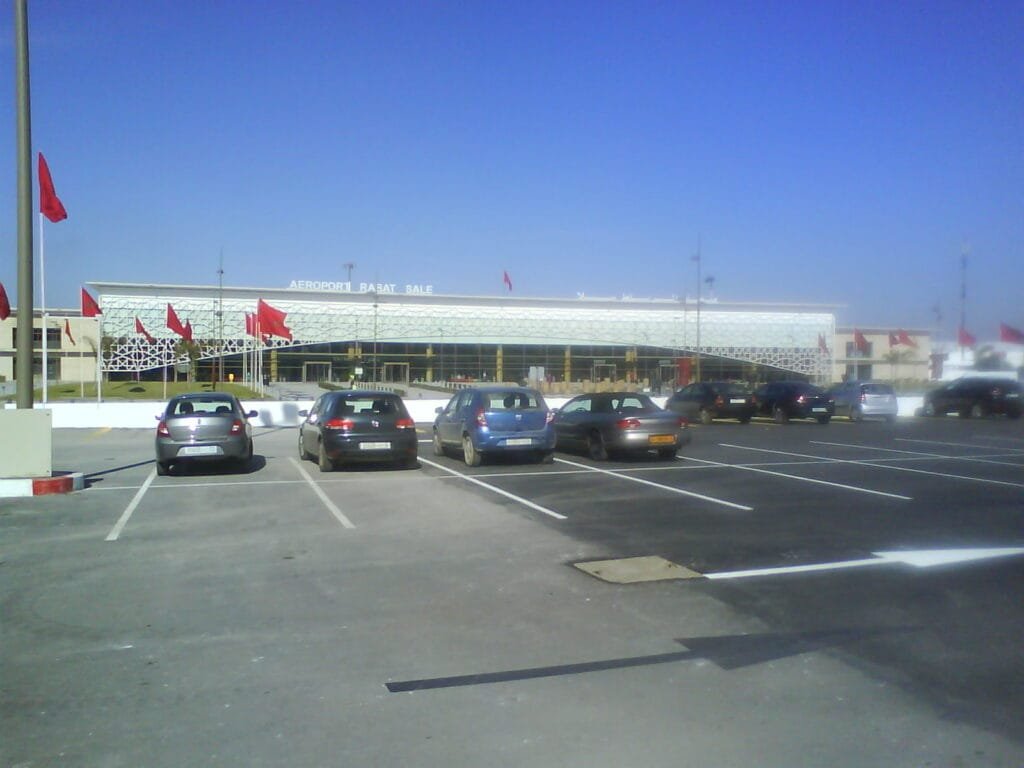
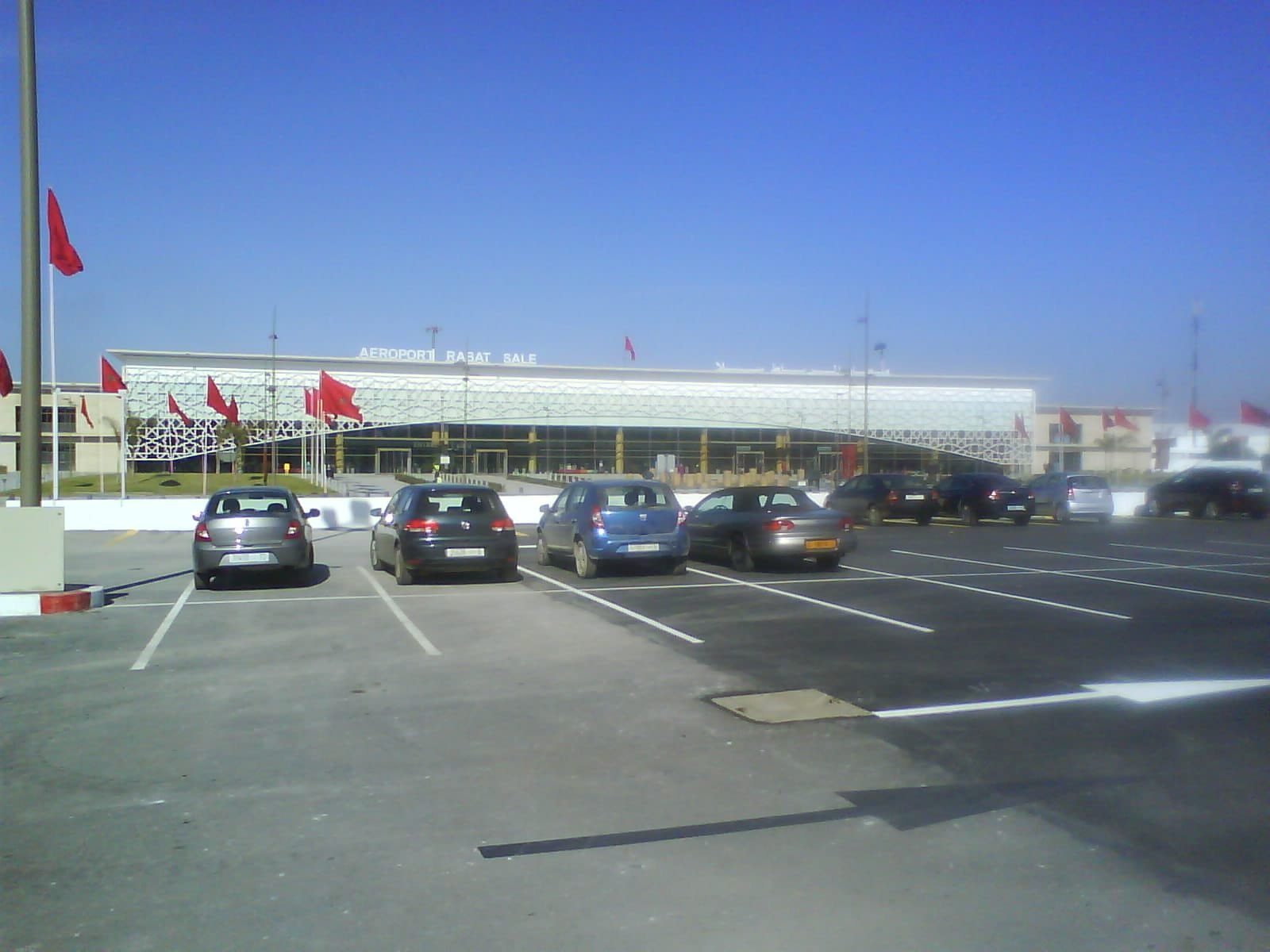
Image under a free licence via Wikimedia Commons: © Froik (CC BY-SA 3.0). Source: Wikimedia Commons.