Royal Air Maroc online check-in is the easiest way to save time before your flight: it lets you check in from home, choose your seat and, in many cases, get your boarding pass on your phone or as a PDF without queuing at the counter. Whether you are flying out of Casablanca, Marrakech, Rabat or an airport abroad, the process is free and takes just a few minutes on royalairmaroc.com or through the mobile app. This step-by-step guide explains when the check-in window opens and closes, how to do it in practice, how to get your boarding pass, and above all the special cases (departures from Morocco, restricted destinations, document checks) that sometimes still require a visit to the counter.
Important: exact times, conditions and the list of eligible destinations can change. The information below is based on Royal Air Maroc’s official pages at the time of writing. Always check the conditions that apply to your specific flight directly on royalairmaroc.com or in the app before you travel.
In short: the essentials of Royal Air Maroc online check-in
- When? The online check-in window usually opens 48 hours before departure and closes 2 hours before (indicative range, to be confirmed on royalairmaroc.com).
- Where? On royalairmaroc.com, in the online check-in section, or via the Royal Air Maroc mobile app.
- With what? Your booking reference (6-character code) and your name, or your e-ticket number / flight number.
- Boarding pass: mobile (app), downloadable PDF or printable, depending on the departure airport.
- Departing from Morocco: you can check in online, but you must then report to the counter to finalize (document verification required by the Moroccan authorities) and collect your boarding pass.
- Departing outside Morocco: at many stations you can download and print your boarding pass in advance.
- Checked baggage: even when checked in online, you must drop your bags at the bag-drop counter before it closes.
- Key tip: arrive at the airport early despite online check-in, because of security, police and document controls.
What is Royal Air Maroc online check-in?
Online check-in, also called web check-in or web/mobile check-in, is the process that confirms your presence on the flight and assigns you a seat, without having to do it in person at the airport counter. Royal Air Maroc offers this service free of charge on its website and mobile app for the majority of its flights to and from Morocco, as well as for many international routes.
In practice, Royal Air Maroc online check-in lets you complete several tasks before you even reach the airport: confirm your check-in, view the cabin layout, choose or change your seat, and obtain your boarding pass in digital format. Depending on the departure airport, you will be able either to download a PDF, receive a pass directly in the app, or still need to finalize at the counter. That last point is what distinguishes departures from Morocco from departures abroad, and we cover it in detail below.
Web or mobile check-in: what’s the difference?
There is no fundamental difference between checking in via the website (on a computer or mobile browser) and checking in via the app. Both give access to the same functions. The app does have a practical advantage: it stores your mobile boarding pass, sends real-time notifications (boarding gate, possible delay, flight reminder) and saves you from printing anything when the mobile pass is accepted. The website remains handy if you prefer to print a PDF or if you are checking in several passengers from a computer.
Is it free?
Yes. Online check-in is a free service at Royal Air Maroc, available from any internet-connected device. Seat selection, however, may be chargeable depending on the seat type (standard seat, extra-legroom seat, front row, etc.) and on your fare. The free assignable seats vary from flight to flight; if no free seat suits you, a seat will be assigned to you automatically anyway.
When does Royal Air Maroc online check-in open and close?
Timing is the most important question, because a missed check-in sends you back to the counter. According to Royal Air Maroc’s official pages, the online check-in window generally opens 48 hours before departure and closes 2 hours before departure. These values are indicative: they can vary by route, airport and local regulations. Treat them as a benchmark, and always check the deadline shown for your specific flight in the check-in tool.
Do not confuse the online check-in deadline with the airport’s other cut-offs. Once there, the check-in counter (and bag drop) generally closes 60 minutes before departure, and boarding gates close about 15 minutes before departure, according to the conditions published by the airline. In other words, even when checked in online, you must have dropped your bags and be in the boarding area well before the flight time.
| Step | Indicative timing (to be confirmed) |
|---|---|
| Online check-in opens | About 48 h before departure |
| Online check-in closes | About 2 h before departure |
| Counter / bag-drop closes | 60 min before departure |
| Boarding gates close | 15 min before departure |
Why arrive early despite online check-in?
Online check-in saves time on a single step: seat assignment and boarding-pass issuance. It does not exempt you from the other controls, often the longest: dropping checked bags, security screening (scanner, gate), border police control (emigration) and, for some destinations, additional document checks. As a guide, Royal Air Maroc recommends arriving 2 hours before a domestic flight, 3 hours before a short- or medium-haul international flight (up to 4 hours during peak periods), and 4 hours before a long-haul flight (up to 5 hours at peak). These recommendations still apply even if you are already checked in online.
How to check in online with Royal Air Maroc: step by step
Here is the procedure, valid both on royalairmaroc.com and in the app. The steps are largely identical; only the interface and the placement of the buttons change slightly.
Step 1: gather your information
Before you start, have your booking reference ready (a 6-character alphanumeric code, also called a PNR, shown on your booking confirmation or e-ticket) and the passenger’s family name exactly as it appears on the booking. You can also check in using your e-ticket number (13 digits) or, if you are a Safar Flyer member, via your loyalty account. Keep your passport or ID card at hand, as some destinations require you to enter travel-document details.
Step 2: open the check-in tool
On the website, go to the “Online check-in” section (booking/check-in menu). In the app, tap the dedicated check-in tab. Enter your booking reference and the passenger’s name, then run the search. If the check-in window is open for your flight, your booking appears.
Step 3: select passengers and check the data
Tick the passenger(s) you wish to check in (you can check in a group at once if everyone is on the same booking). Make sure the names are correct and, if the system asks, complete your travel-document details (passport number, nationality, expiry date). This data is required for certain arrival countries.
Step 4: choose your seat
The cabin layout appears. You can choose a seat from those available: window, aisle, front row, extra-legroom seat, and so on. Some seats are free, others chargeable. If you are travelling as a family, try to book seats together as early as possible, because the best places go fast. You can generally change your seat as long as the check-in window is still open.
Step 5: confirm and get your boarding pass
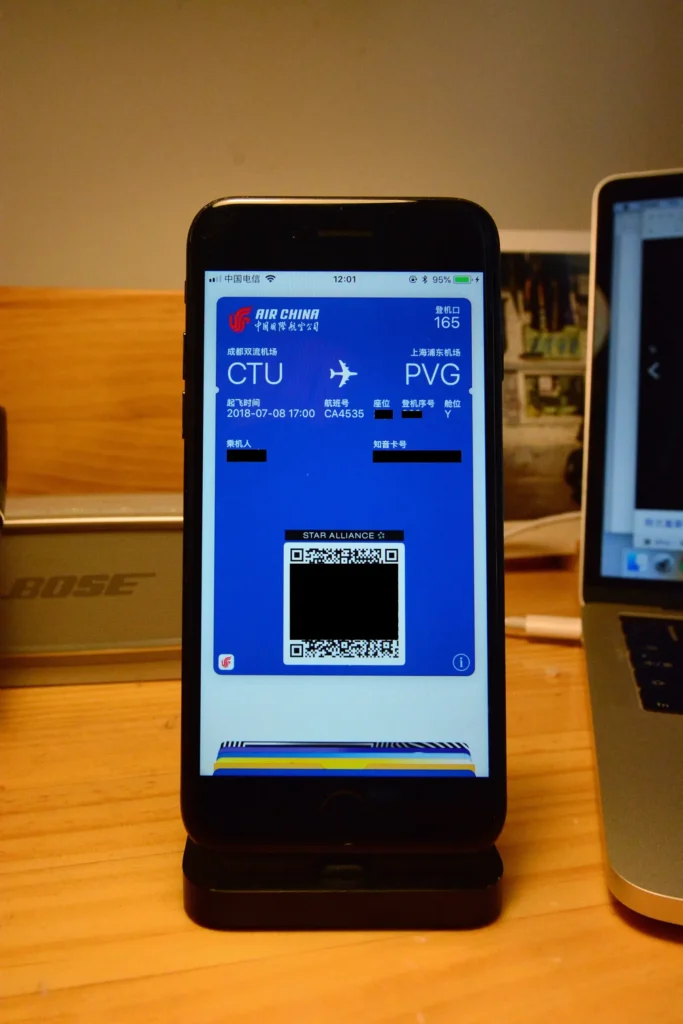
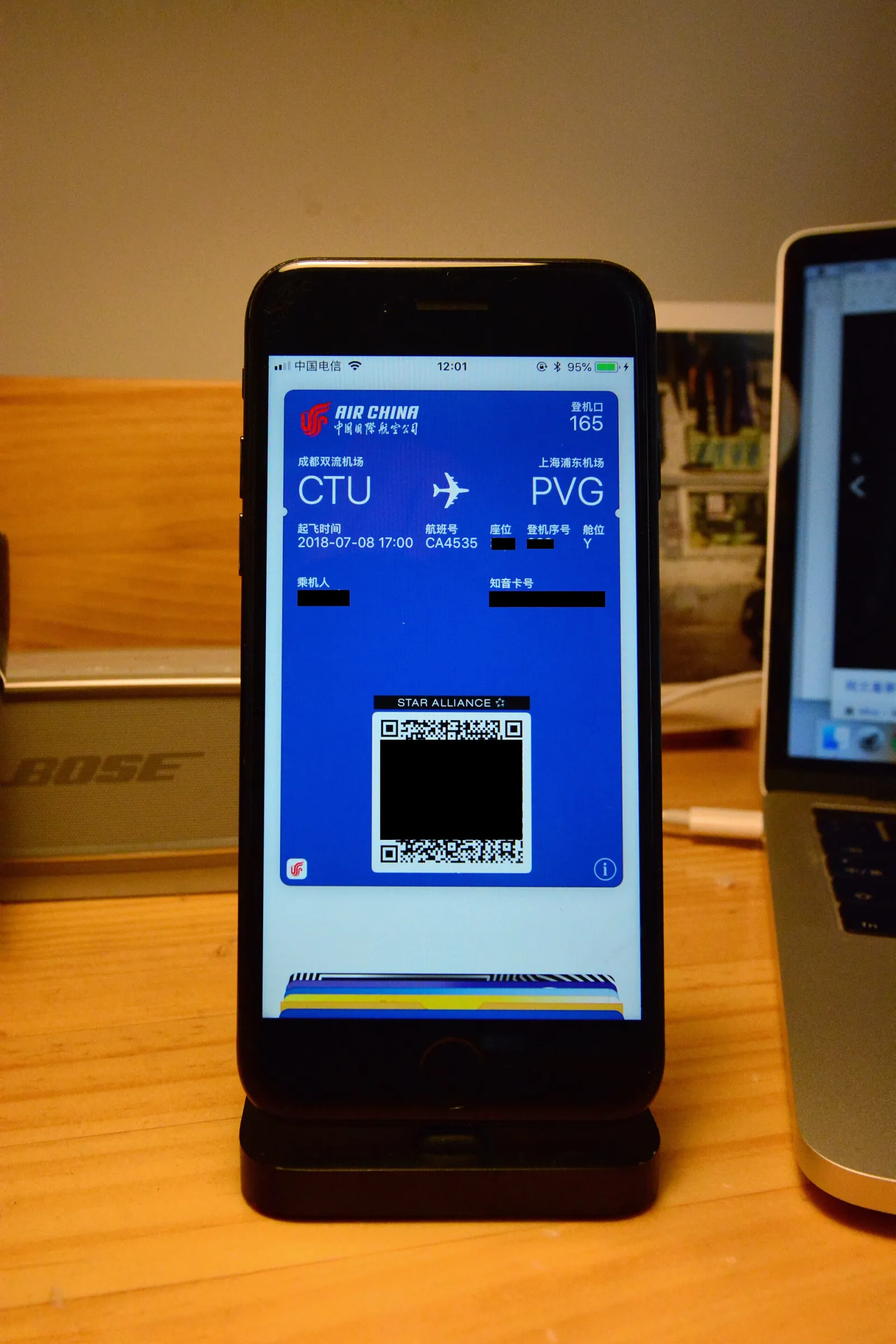
Confirm the check-in. Depending on your departure airport, you can then download your boarding pass as a PDF, print it, or save it in the app (mobile boarding pass with barcode/QR). Check that the pass shows your name, the flight number, the gate (if known), the boarding time and the seat. If you are departing from Morocco, see the next section: you will still need to visit the counter.
Step 6: drop your checked bags (if needed)
If you are travelling with checked baggage, head at the airport to the “bag drop” counter, usually faster than the standard check-in queue. Present your boarding pass (mobile or paper), weigh and tag your bags, then keep the stub. Remember to check your Royal Air Maroc baggage allowance to avoid excess fees. If you only have cabin baggage, you can generally go straight to security screening (except when departing from Morocco, see below).
Departing from Morocco: why you still need the counter
This is the most important point to understand about Royal Air Maroc online check-in. When your flight departs from an airport in Morocco (Casablanca, Marrakech, Rabat, Agadir, Fez, Tangier, Oujda, Nador, etc.), you can check in online, choose your seat and prepare your boarding pass, but you must then report to the airline counter to finalize check-in and collect your boarding pass. Royal Air Maroc states this clearly: this step is required by the Moroccan authorities, who carry out a document (and, where applicable, health) verification before boarding.
In practice, online check-in from Morocco is still useful: it saves you time on seat selection and sometimes lets you avoid the long standard check-in queue, since you can often use a “bag drop” or “already checked in” lane. But always plan for the counter visit to obtain the locally required validated pass. So do not count on going straight to security screening with only your mobile pass when departing from Morocco.
Departing from abroad: printing in advance is possible
Conversely, if your flight departs from an airport outside Morocco, at many stations you can download and print your boarding pass in advance, or use the mobile version. The document verification is then carried out before boarding rather than at a dedicated counter. Be aware, however, that some stations do not allow remote printing of the pass, and some destinations are entirely excluded from online check-in (see below).
When online check-in is not possible
Online check-in is not available for all flights. Royal Air Maroc excludes in particular certain destinations subject to enhanced entry controls, where travel documents must be verified in person at the counter. According to the official conditions, online check-in is not offered for flights to the United States, Canada, the United Kingdom, Saudi Arabia, the United Arab Emirates, Qatar, Israel or China, nor when departing from certain stations such as Dakar, Jeddah or Beijing. This list can change: always confirm your flight’s eligibility on royalairmaroc.com.
Other situations require you to visit the counter even if your flight is in theory eligible:
- Verification of a visa or entry authorization for the arrival country.
- Travelling with an unaccompanied minor (UM) or a special-assistance request (reduced mobility, stretcher, etc.).
- Carrying an animal in the cabin or hold, special baggage (instrument, sports equipment) or regulated weapons.
- Extra or excess baggage to settle at the counter.
- Large group, complex connections or a ticket requiring an agent’s intervention.
- A technical issue or passport data not recognized by the online system.
In all these cases, allow extra time at the airport. For entry-formality questions, see our guide on the Morocco visa and entry requirements, and for what you can bring back, our page on Morocco customs.
Boarding pass: mobile, PDF or paper?
Once checked in, several boarding-pass formats are possible. The choice depends on the airport and your preferences.
| Format | Advantages | Watch out for |
|---|---|---|
| Mobile pass (app) | Always with you, real-time notifications, nothing to print | Charged battery, screen brightness, not accepted at some stations |
| Downloaded PDF | Offline backup, printable later | Keep it in your emails or phone |
| Printed paper pass | Universal, does not depend on battery | Needs a printer; don’t lose it |
| Pass at the counter (Morocco departure) | Validated by the airline and authorities | Counter visit required before security |
Practical tip: always keep a backup. If you rely on the mobile pass, also download the PDF; if you print, keep a digital copy. Screens that refuse to turn on, apps that crash or flat batteries are classic sources of stress at the boarding gate.
Airports concerned in Morocco
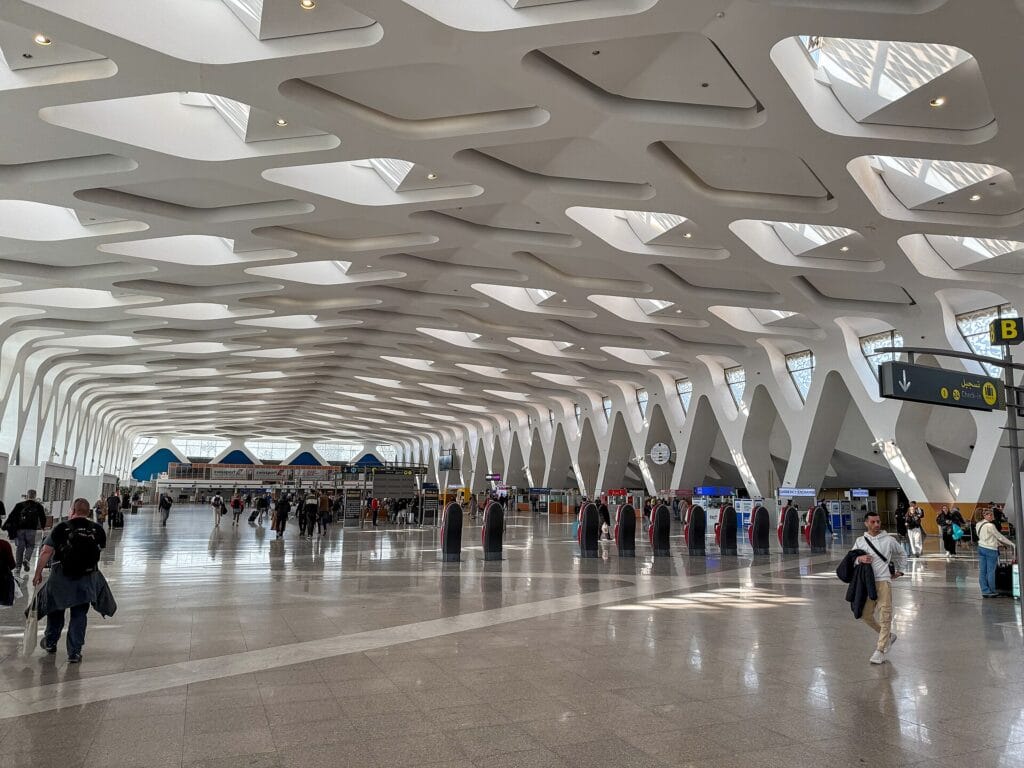
Online check-in is offered on the majority of flights to and from Moroccan airports managed by the National Airports Office (ONDA). The main hubs include Casablanca Mohammed V, Marrakech Menara, Rabat-Salé, Agadir Al Massira, Fez-Saïss, Tangier Ibn Battouta, Oujda Angad and Nador Al Aroui. At each of these airports you will find “bag drop” counters and self-service kiosks that speed up processing when you are already checked in online.
To organize your journey to the airport and anticipate driving time, see our comparison of airport transfers in Morocco. And if you are still deciding on your airline, see our overview of the airlines flying to Morocco. In case of disruption, our guide on your rights for a delayed or cancelled flight in Morocco will be useful.
Self-service kiosks, the app and Safar Flyer
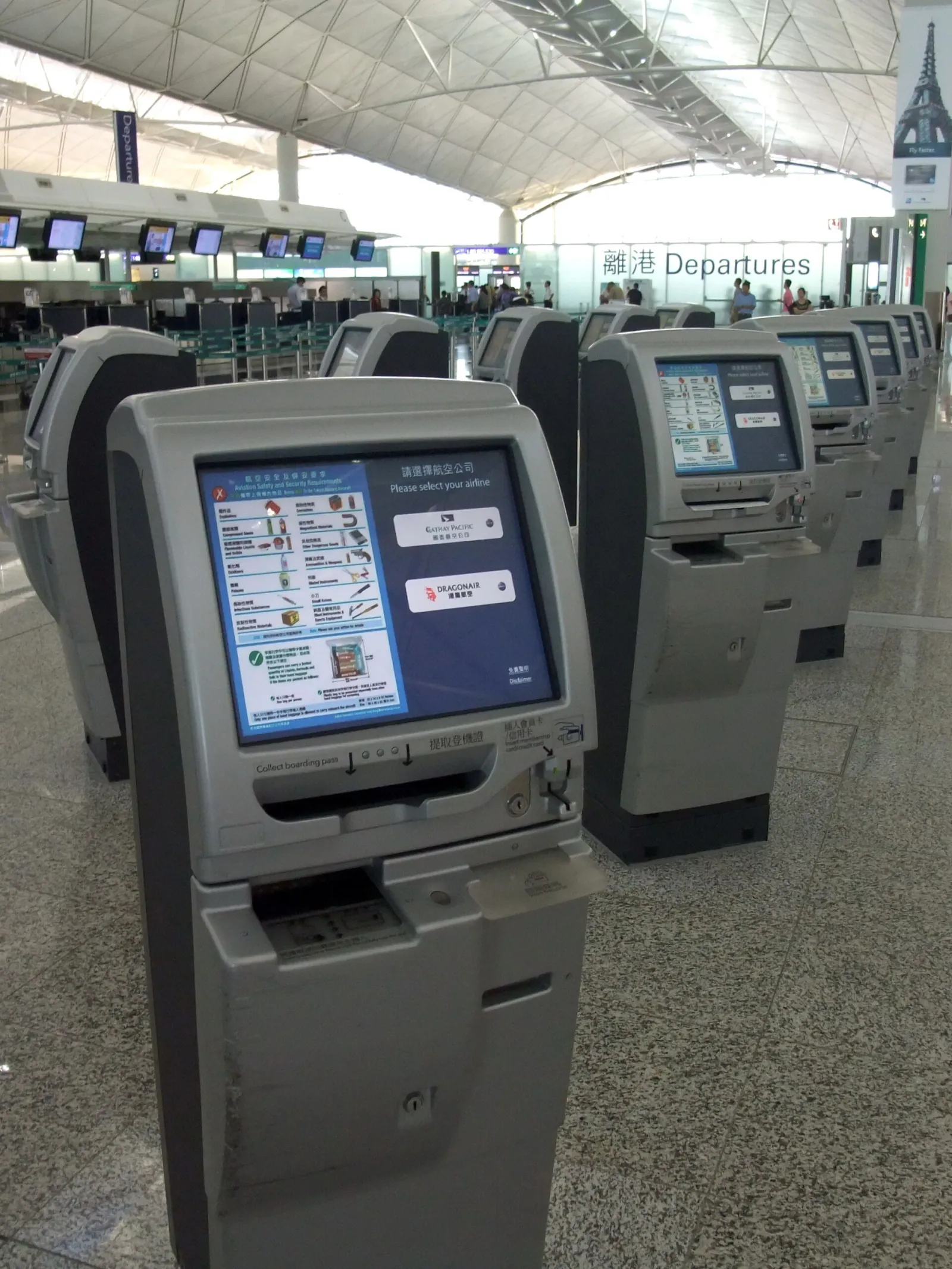
If you could not check in online, or if you are departing from Morocco and must finalize at the counter, the airport self-service kiosks remain a fast alternative to the classic desk. There you enter your booking reference, choose or confirm your seat and print your boarding pass along with the bag tags, before dropping your bags at a dedicated counter. This is often the most efficient option during peak hours.
Members of the Safar Flyer loyalty programme enjoy a smoother journey: by logging in to your account, your details are pre-filled and your membership number is automatically linked to the booking, which speeds up online check-in and the accrual of your miles. Remember to enter your Safar Flyer number before confirming, so you don’t lose the flight credit. Whatever your status, always keep in mind that online check-in prepares the trip but replaces neither the document check nor the police formalities at the airport.
Tips for a stress-free online check-in
- Check in as soon as the window opens (about 48 h before) for the best seat choice, especially in a group or with family.
- Check your passport validity and any visa requirements before you start; a non-compliant document will block your check-in both online and at the counter.
- Do not rely on online check-in alone when departing from Morocco: the counter visit remains mandatory.
- Anticipate bag drop: it closes 60 minutes before departure.
- Charge your phone if you use the mobile pass, and keep a PDF or paper copy.
- Watch your notifications (app/email) for any gate or schedule change.
- Arrive early according to the flight type (2 h domestic, 3 h short/medium international, 4 h long-haul), even when checked in.
FAQ: Royal Air Maroc online check-in
When can I check in online with Royal Air Maroc?
The window usually opens 48 hours before departure and closes about 2 hours before. These times are indicative and can vary by flight; check the exact deadline for your flight on royalairmaroc.com or in the app.
What do I need to check in online?
Your booking reference (6-character code) and the passenger’s name, or your e-ticket number. Keep your passport at hand: some destinations require you to enter travel-document details.
Can I get my boarding pass on my phone?
Yes, in many cases. The Royal Air Maroc app stores your mobile boarding pass with a barcode. Depending on the airport, you can also download a PDF or print your pass. When departing from Morocco, a counter visit is still required to finalize.
Why do I have to visit the counter if I checked in online?
When departing from Morocco, the authorities require a document verification before boarding. You must therefore report to the Royal Air Maroc counter to finalize check-in and collect your boarding pass, even if you already checked in online.
Can I choose my seat during online check-in?
Yes. The cabin layout appears and you can select an available seat. Some seats are free, others chargeable (front row, extra legroom). Check in early for the best choice.
Is online check-in possible for all flights?
No. Certain destinations subject to enhanced controls (for example the United States, Canada, the United Kingdom, Saudi Arabia, the UAE, Qatar, Israel, China) and certain departure stations are excluded. Check your flight’s eligibility on the official website.
When does bag drop close?
The counter and bag drop generally close 60 minutes before departure, and boarding gates about 15 minutes before. Plan to arrive well in advance, especially at peak times.
Can I change or cancel my online check-in?
Yes, as long as the check-in window is still open, you can generally change your seat or cancel your online check-in and start again. After the window closes, go to the airport counter.
In summary
Royal Air Maroc online check-in is a free, convenient service that lets you check in between roughly 48 hours and 2 hours before departure, choose your seat and get your boarding pass as a mobile, PDF or paper document. It saves time, but does not replace all airport controls: when departing from Morocco, the counter visit remains mandatory for document verification, and some sensitive destinations do not allow online check-in. The right reflex: check in as soon as the window opens, keep a backup boarding pass, verify your travel documents, and arrive at the airport early according to the flight type. As times and conditions can change, always confirm the rules applying to your flight on the official sources below.
Official sources
- Royal Air Maroc — Online check-in
- Royal Air Maroc — Check-in conditions
- Royal Air Maroc — Official website
- ONDA — National Airports Office (Morocco)
Photo credit
Illustrations : « Electronic boarding pass on a smartphone » — Diao Zihao (CC BY-SA 4.0) ; « Self check-in kiosks, Hong Kong International Airport » — Mk2010 (CC BY-SA 3.0), via Wikimedia Commons.